A side-by-side timeline of your photos, weight, and more

By lifters, for lifters
How it works
1
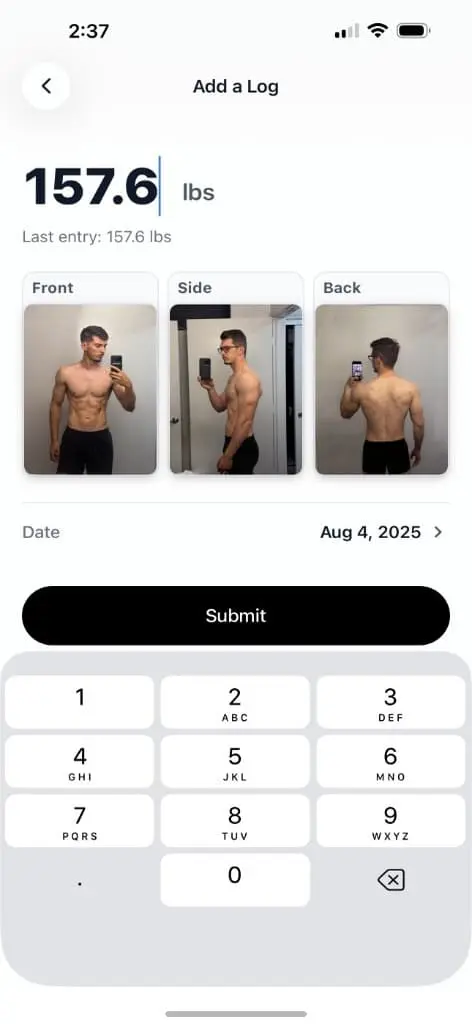
Import your data
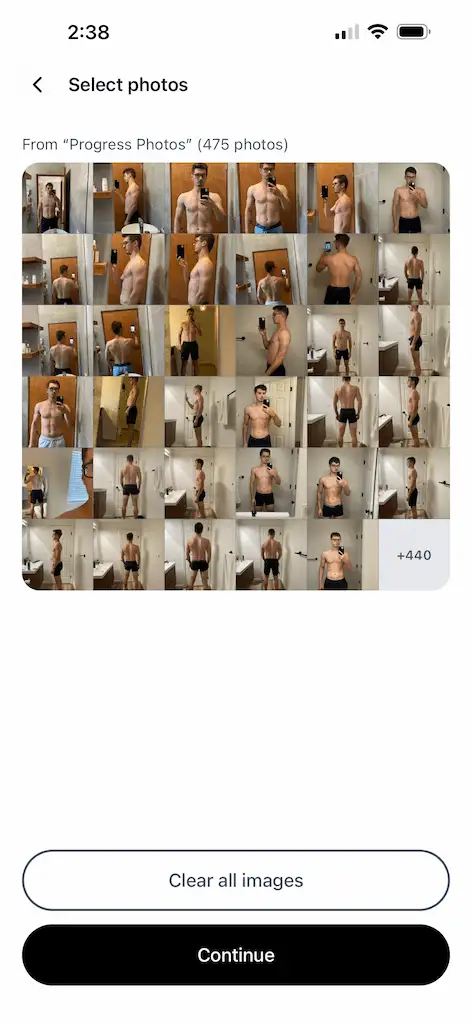
Select photos or import an entire album. Apple Health
support for weight coming soon!
2
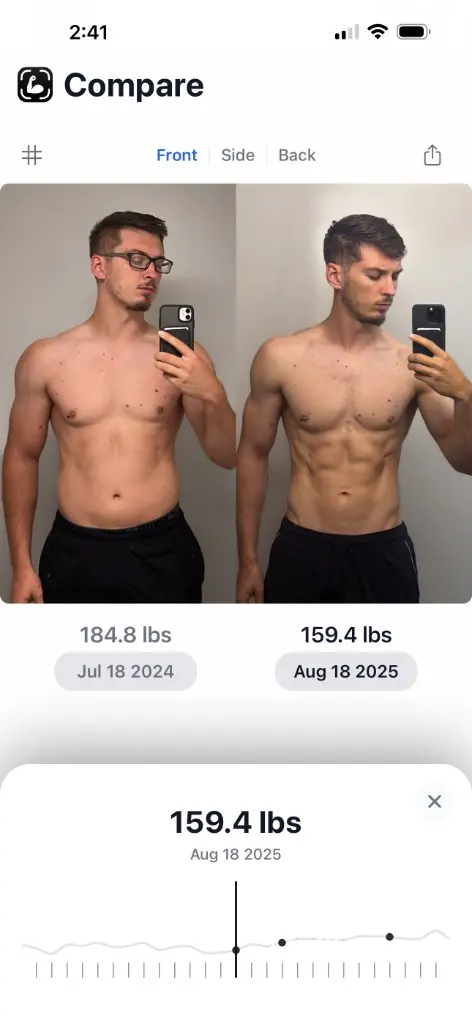
Compare your progress
Quickly navigate between photos & weights
3
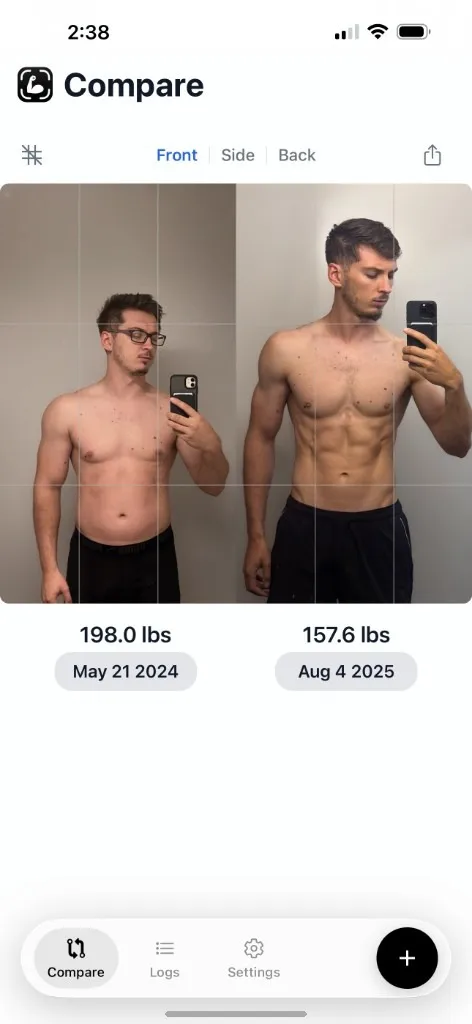
Align your photos
Pan, zoom, and rotate
4
Track going forward
Optional reminders for consistency
FAQs
Is my data private?
Your data never leaves your device. Recomp doesn't upload or
share your data
Can I track my macros or workouts?
No. There are many excellent alternatives for workout and
calorie tracking. Recomp is a no fluff tool focused on 1 job
and 1 job only: Visually track your results over time.
How does the import work?
While you can add photos 1 check-in at a time, you can also
select many photos at the same time. The app will
automatically group them by date.
For large
number of photos, we recommend that you group your photos
into a Photos Collection. You can then import the entire
collection with 1 tap.
Note: Recomp doesn't scan or do any auto-detection.
Why not simply use a Photos Collection?
Your photos are associated to your weight, notes, and more.
This is especially useful to see what your body composition
was in the past at the same weight.
Why not simply use a Collage app, or a tool like Canva, Figma,
or Photoshop?
While these tools are powerful for showing a single
comparison between 2 photos, they're a poor fit for quickly
comparing hundreds of photos, their associated weights, and
measurements.
Is it free?
Yes
Is an Android version coming?
No, since I built this app primarily for myself, and I use
an iPhone.